Proxy Planner: planning a Yuka Morii binder
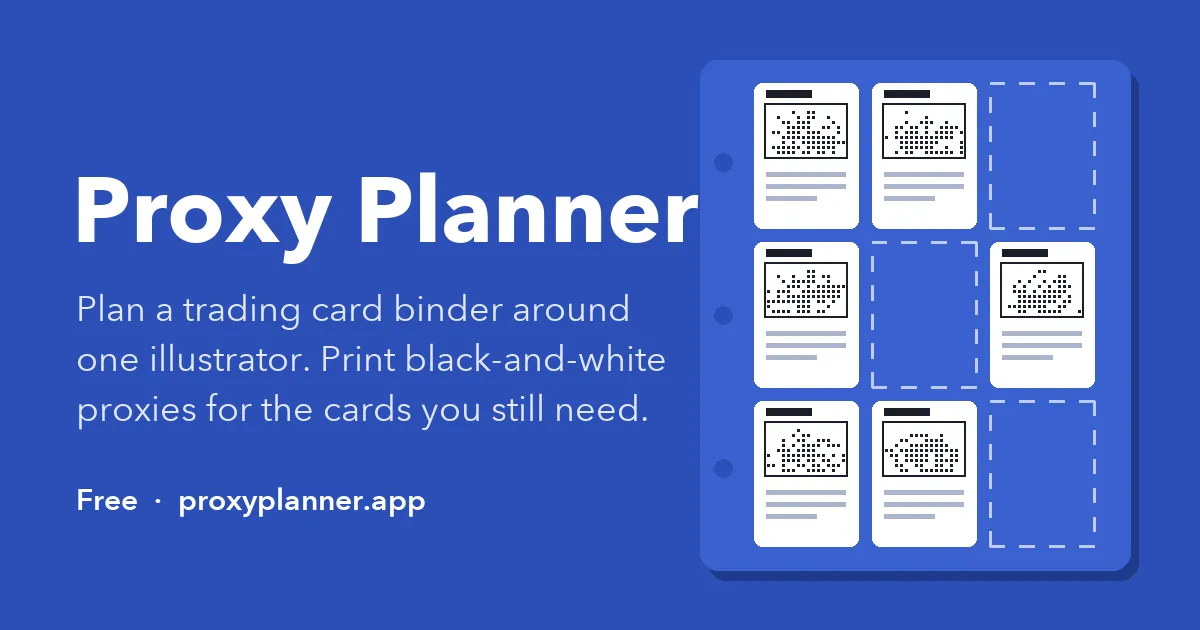
I’m collecting a binder of Pokémon cards illustrated by Yuka Morii, the artist who sculpts the Pokémon out of clay and photographs them. It’s a lovely set to collect, but planning it turned out to be the hard part. Which cards exist? How many binder pages will I need? Which ones am I still missing, and what goes in the empty pockets until I find them?
So I built a tool for it: Proxy Planner.
What it does
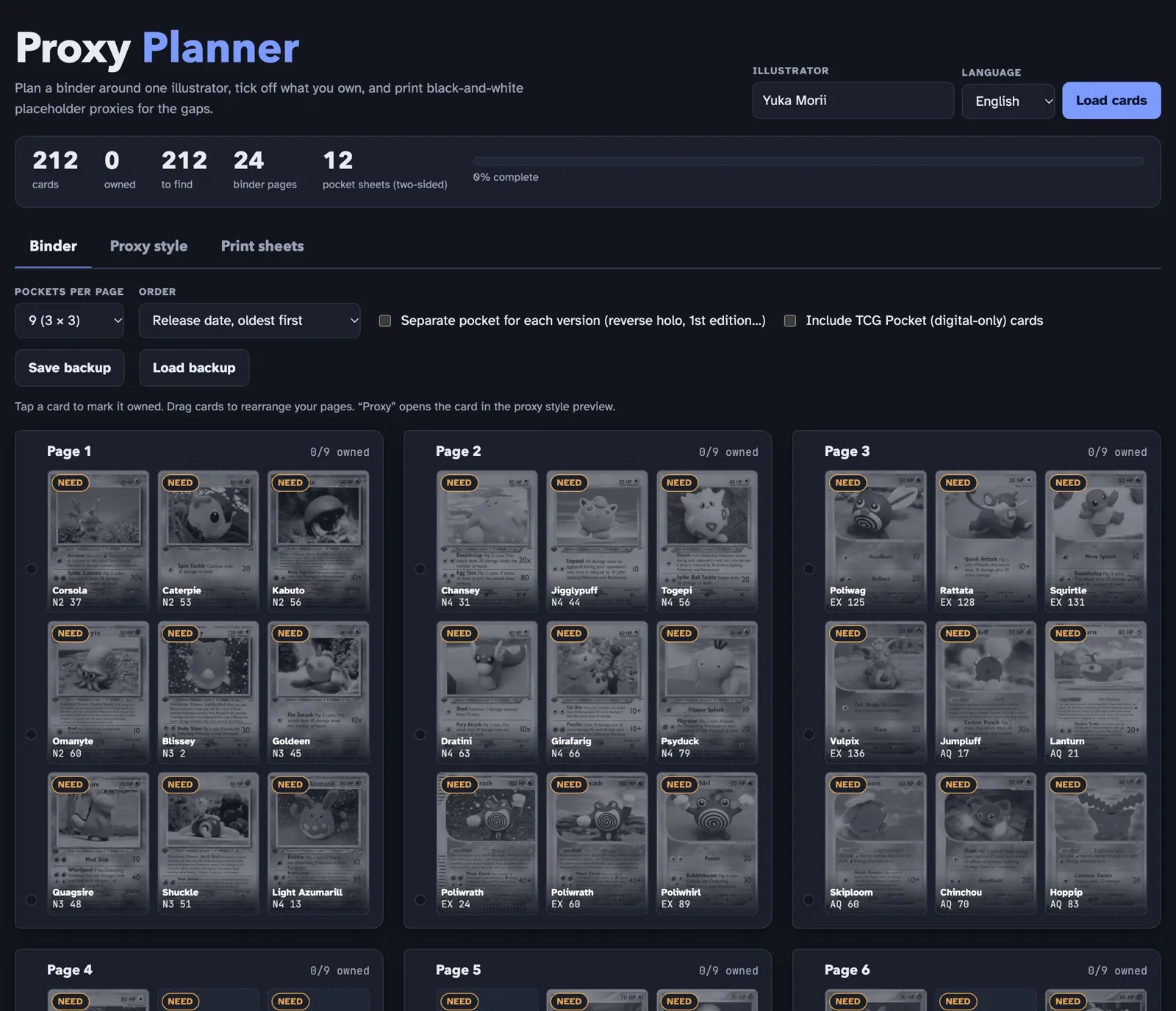
You type in an illustrator’s name and it loads every card they’ve illustrated. For Yuka Morii that’s 212 cards in English, which works out to 24 nine-pocket pages.
From there:
- Plan the pages. Pick 4, 9, 12 or 16-pocket pages, sort by release date, Pokédex number or name, or drag cards around into my own order.
- Track the collection. Tap a card to mark it owned. Variants like reverse holos and 1st editions can get their own pockets.
- Print proxies for the gaps. A proxy is a printed stand-in that holds a card’s place in the binder until I find the real one. The app turns each missing card into a black-and-white proxy and lays them out nine to a page, at real card size, with crop marks.
It isn’t tied to Yuka Morii, either. Any illustrator works, so it’s just as handy for a Mitsuhiro Arita or Kagemaru Himeno binder.
How it’s built
The whole thing is one index.html file: no framework, no build step and no server.
Card data comes from TCGdex, a free, community-run card database with a public API. One request gets the illustrator’s card list, then the app fetches each card’s details and set info, eight requests at a time:
async function pool(items, n, fn) {
  const out = new Array(items.length); let i = 0;
  await Promise.all(Array.from({ length: Math.min(n, items.length) }, async () => {
    while (i < items.length) { const k = i++; out[k] = await fn(items[k]); }
  }));
  return out;
}
The results are cached in localStorage for a week, so the second load is instant.
Your checklist lives there too, with a JSON export in case you clear your browser.
The proxies are drawn on a <canvas> at 744 × 1039 pixels, which is 63 × 88 mm
at 300 dpi. Each card image gets converted to greyscale, then run through one of
eight styles built for black-and-white printers. The default, “dot print”, uses
Atkinson dithering, which keeps the soft shading of the clay figures using nothing
but black dots.
Line art uses Sobel edge detection, and there’s also halftone, a Bayer grid pattern, a pencil sketch and a posterised look.
Printing is plain CSS: an @page rule with zero margins, sheets sized in
millimetres and a @media print block that hides everything except the sheets.
Things I learned
- A reminder that canvas and CORS go hand in hand. To read the pixels of an image
from another domain, it has to be loaded with
crossOrigin = 'anonymous'and the server has to allow it. Handily, TCGdex does, which is what lets the whole thing run without a backend. - Real-size printing is mostly up to the print dialog. You can size everything in millimetres, but if someone prints at “fit to page”, the cards come out too small. The app tells you to print at 100% with no margins.
- Dithering is more fun than it has any right to be. A few lines of error diffusion turn a colour card into something that looks good on a cheap laser printer.
What’s next
A couple of things are on the list:
- Pokémon-specific binders. Planning around one Pokémon instead of one illustrator, like every Pikachu or every Eevee evolution.
- More languages. Right now it does English and Japanese cards.
Proxy Planner is free to use, with no account needed. In the meantime, I’ve got a binder to fill.
Proxy Planner is a fan-made tool for personal collecting. It’s not affiliated with or endorsed by The Pokémon Company, Nintendo, Creatures or Game Freak.